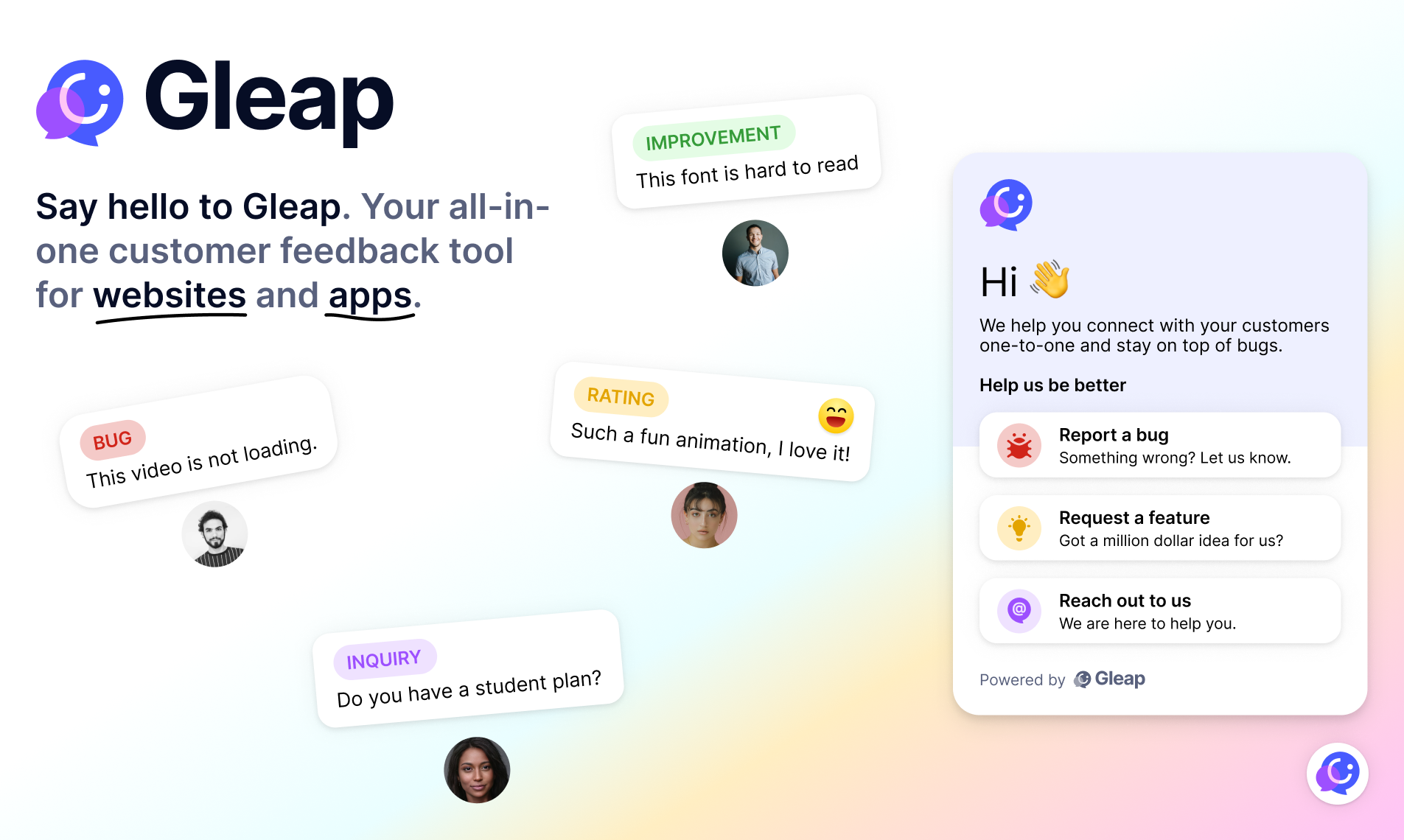
The Gleap SDK for Android is the easiest way to integrate Gleap into your apps!
You have two ways to set up the Gleap SDK for Android. The easiest way ist to use the maven repository to add Gleap SDK to your project. (it's super easy to get started & worth using 😍)
Checkout our documentation for full reference.
Open your project in your favorite IDE. (e.g. Android Studio). Open the build.gradle of your project.
Scroll down to the dependencies
dependencies {
...
}
Add the Gleap SDK to your dependencies
dependencies {
...

implementation group: 'io.gleap', name: 'android-sdk', version: '7.0.35'
Sync the gradle file to start the download of the library.
The Gleap SDK is almost installed successfully. Let's carry on with the initialization 🎉
Open your MainApplication
Import the Gleap SDK
Import the Gleap SDK by adding the following import below your other imports.
import io.gleap.Gleap;
Initialize the SDK
The last step is to initialize the Gleap SDK by adding the following Code to the onCreate method:
Gleap.initialize("YOUR_API_KEY", this);
(Your API key can be found in the project settings within Gleap)