
Integration for Red Hat OpenShift Local clusters. It will help you install and set up the environment. and allows you to control the lifecycle and configuration from Podman Desktop.
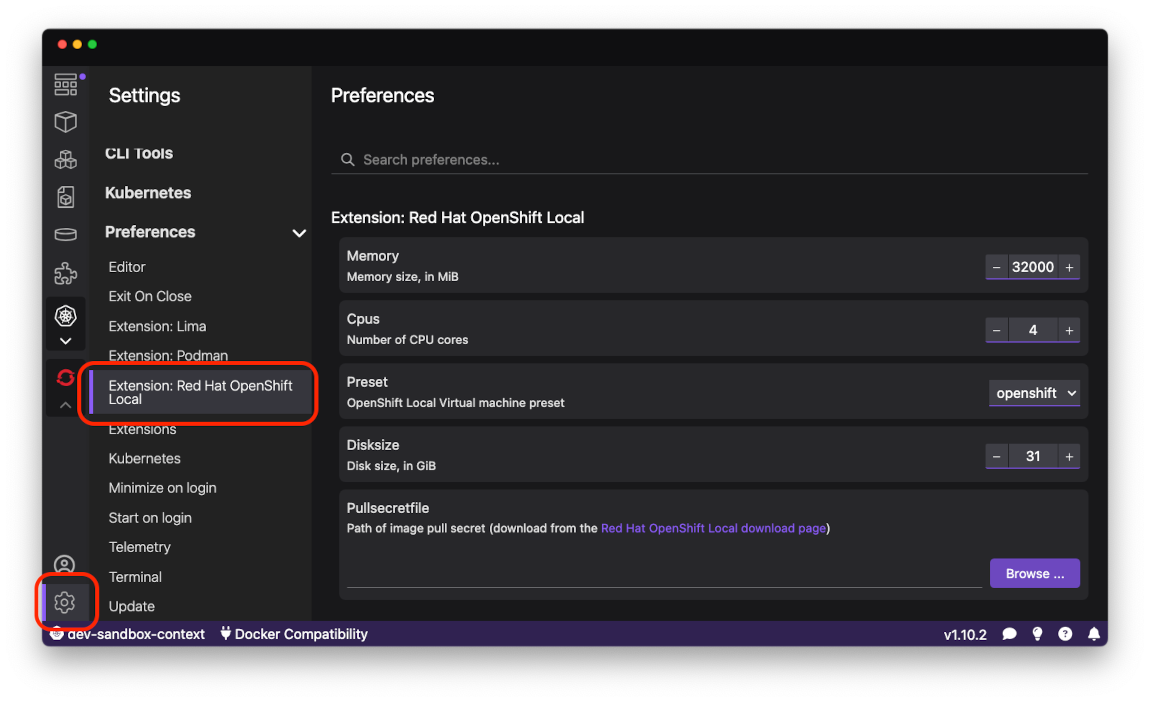
Once installed you can configure parameters used to create OpenShift Local Cluster in extension's settings page.
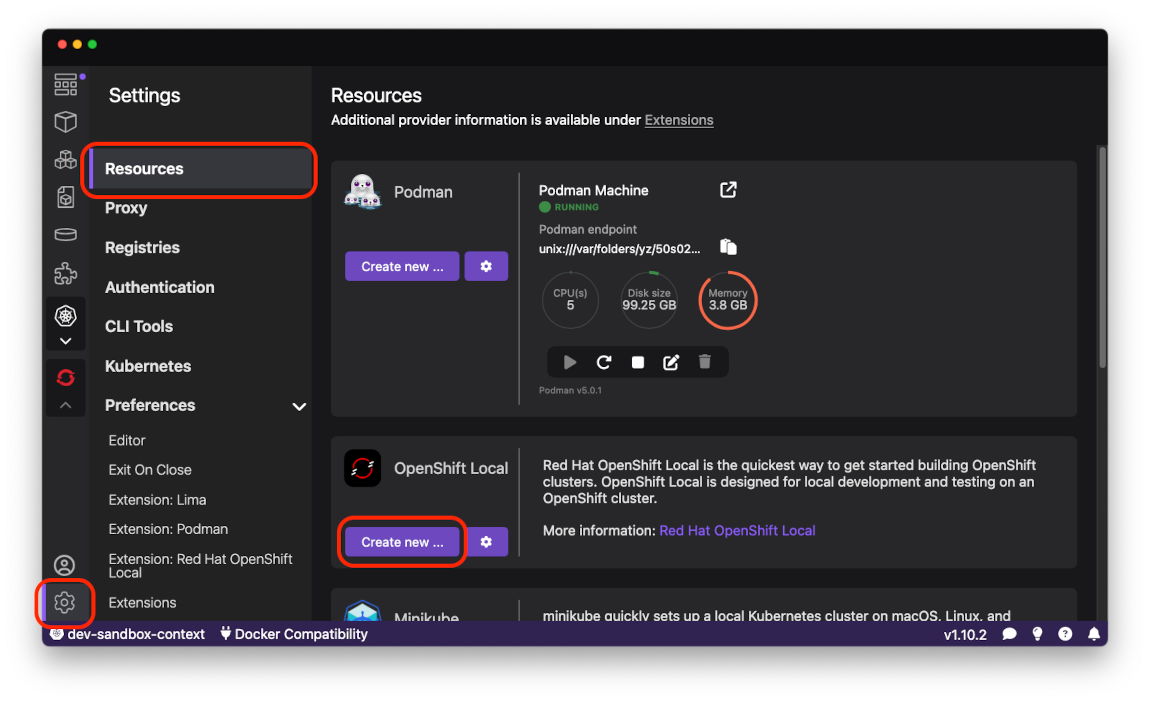
To create new OpenShift Local Cluster switch to Resources Settings page and press Create new ... button.
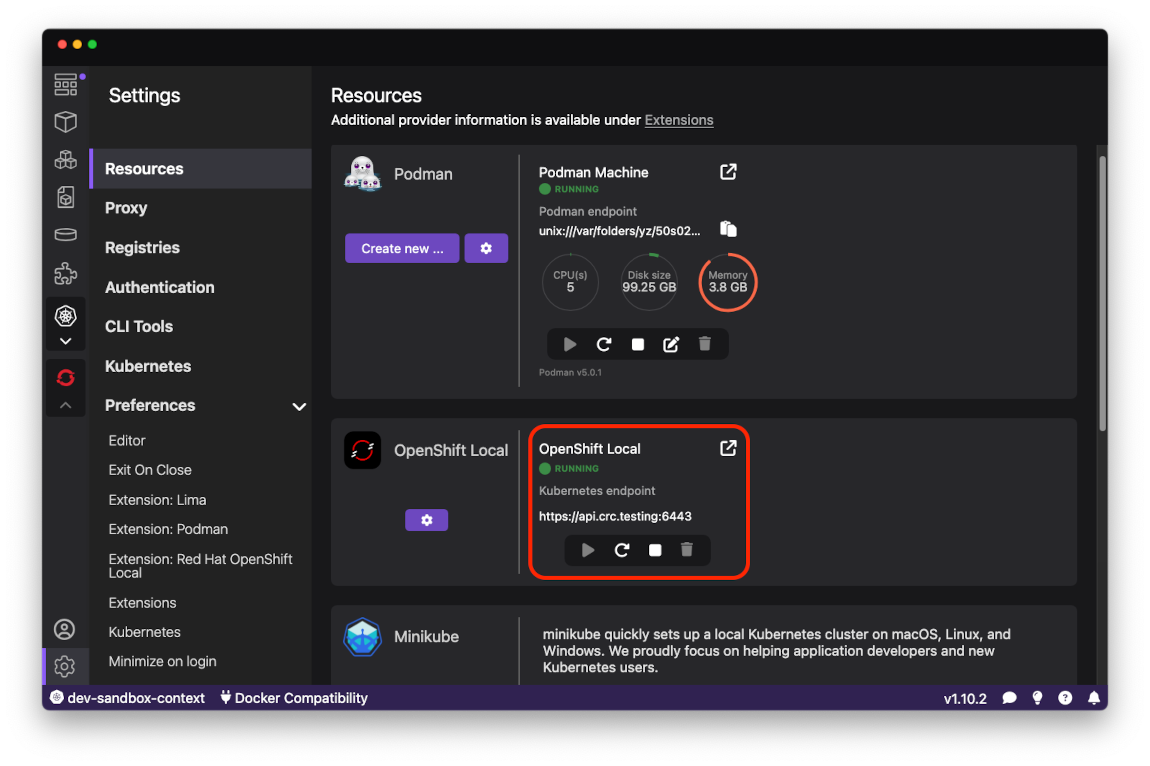
When new cluser has created there should be new connection visible in OpenShift Local section.
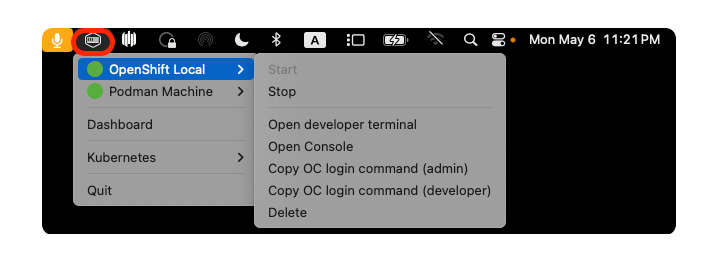
There is also system tray menu for OpenShift Local where you can run cluster related commands.
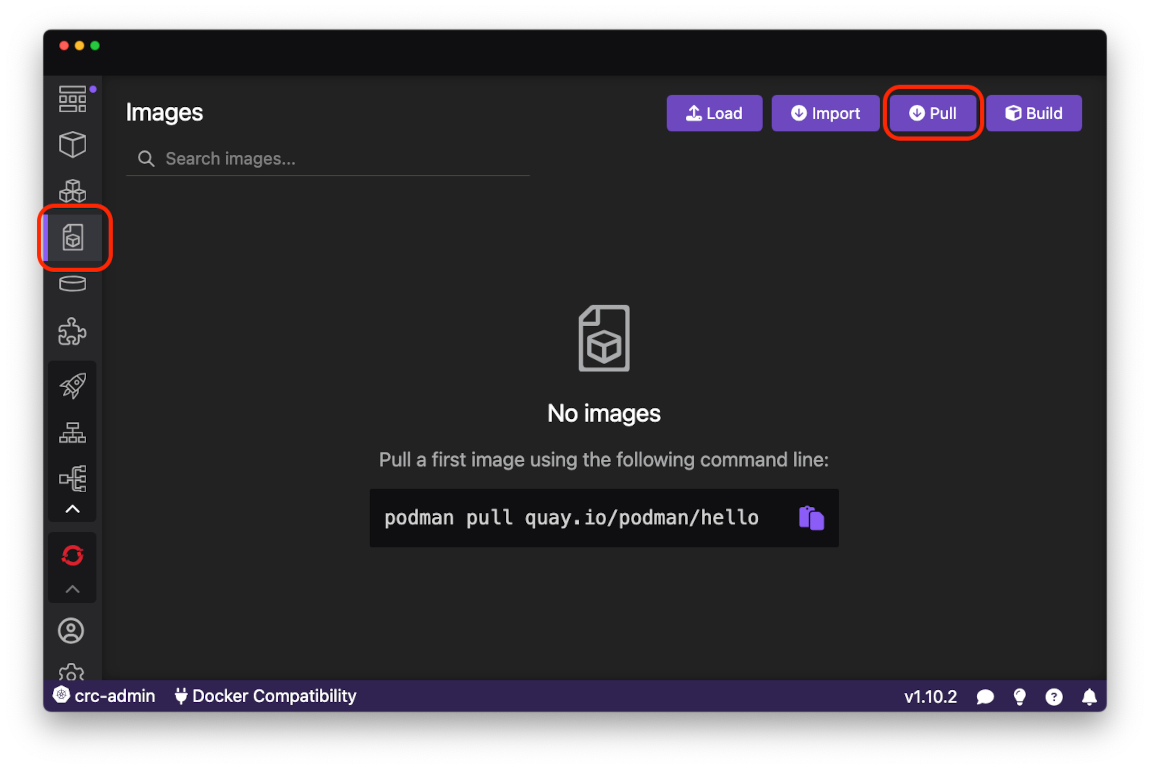
To deploy your first application to OpenShift Local pull httpd-24 image from public Red Hat image registry using Pull an Image page. Open Images page using activity bar and press Pull button in upper right corner.
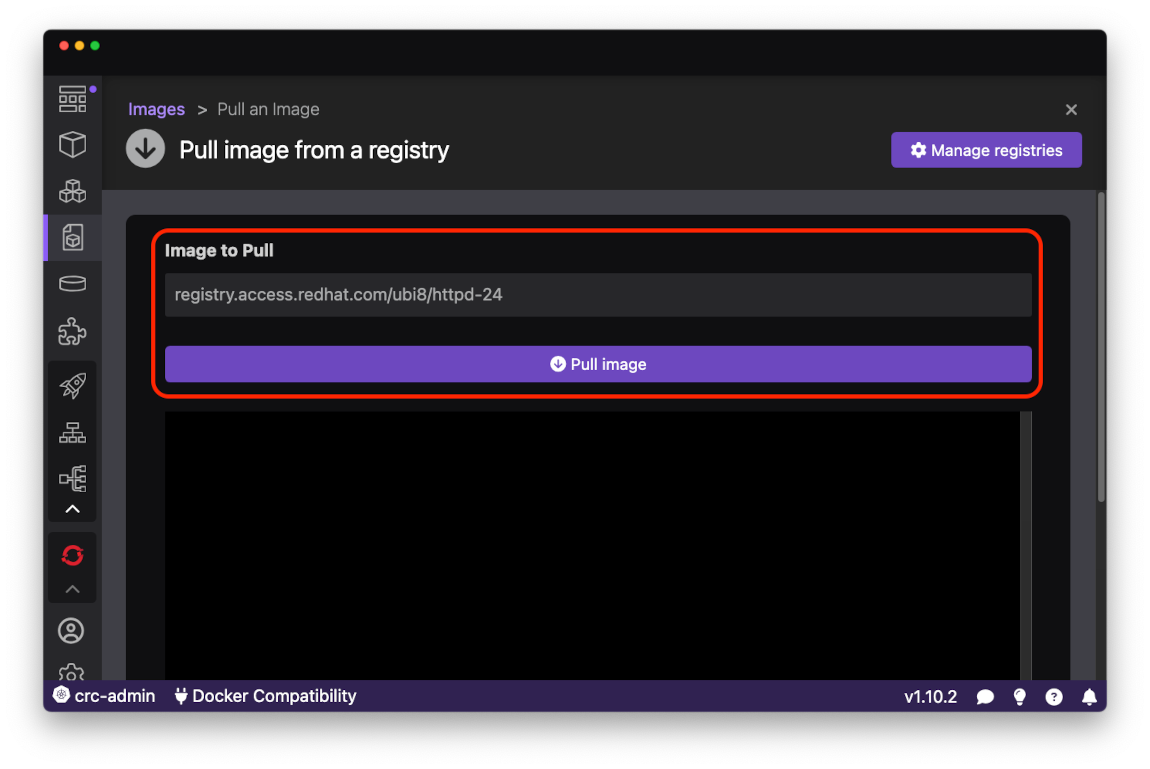
Paste registry.access.redhat.com/ubi8/httpd-24 into Image to pull field and press Pull Image button.
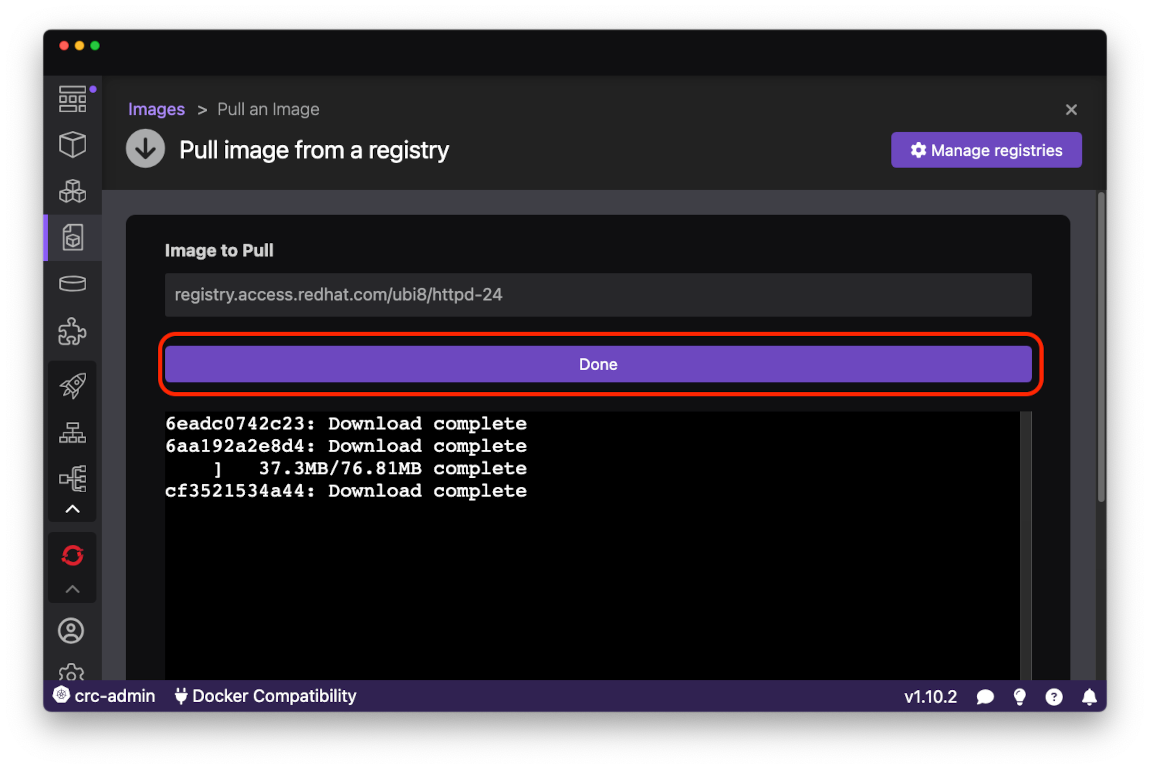
After the image sucessfully pulled from the registry press Done button to navigate back to Images page.
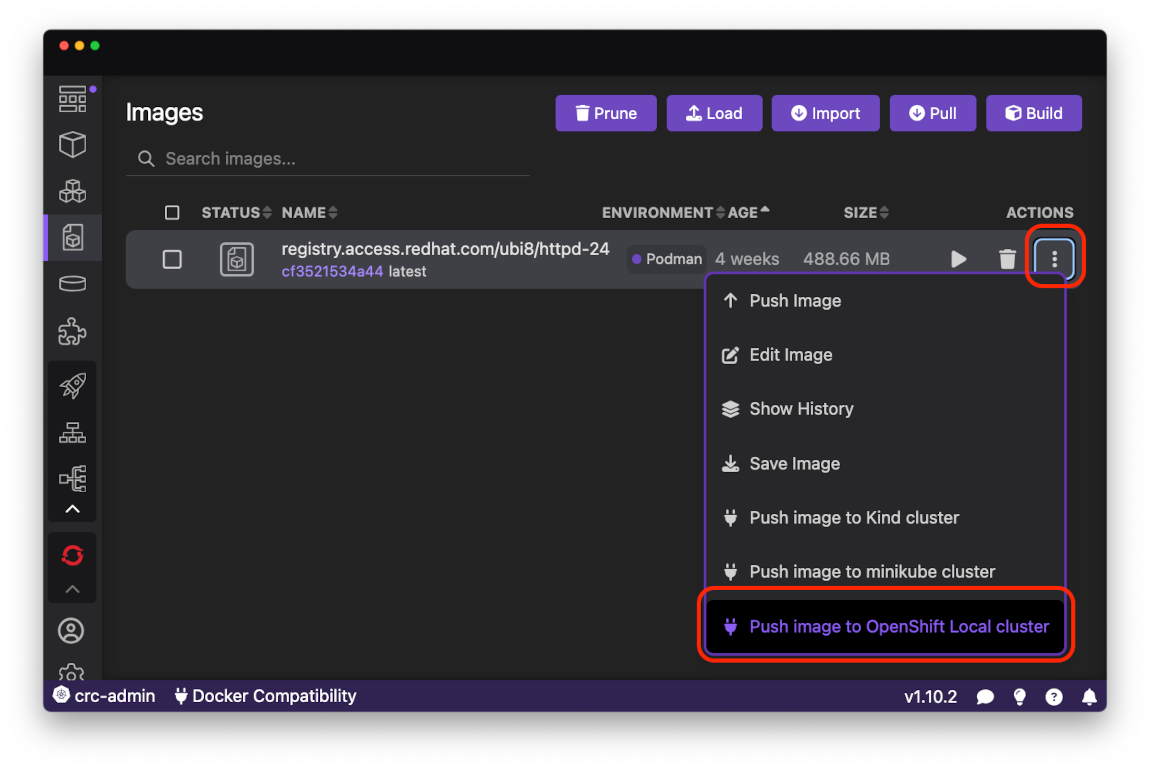
Request context menu for httpd-24 image you just pulled by clicking on right most button in the row. Then select Push image to OpenShift Local cluster menu item.
Th progress for Push command it available in Podman Desktop Tasks View.
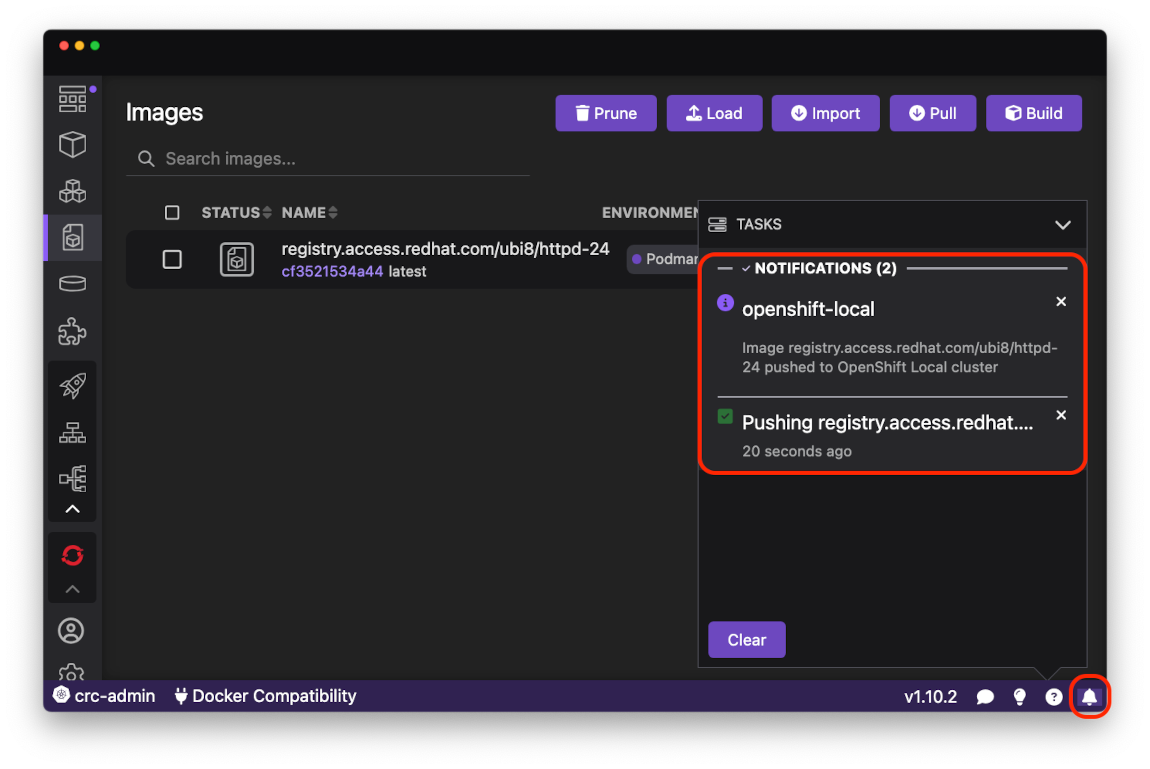
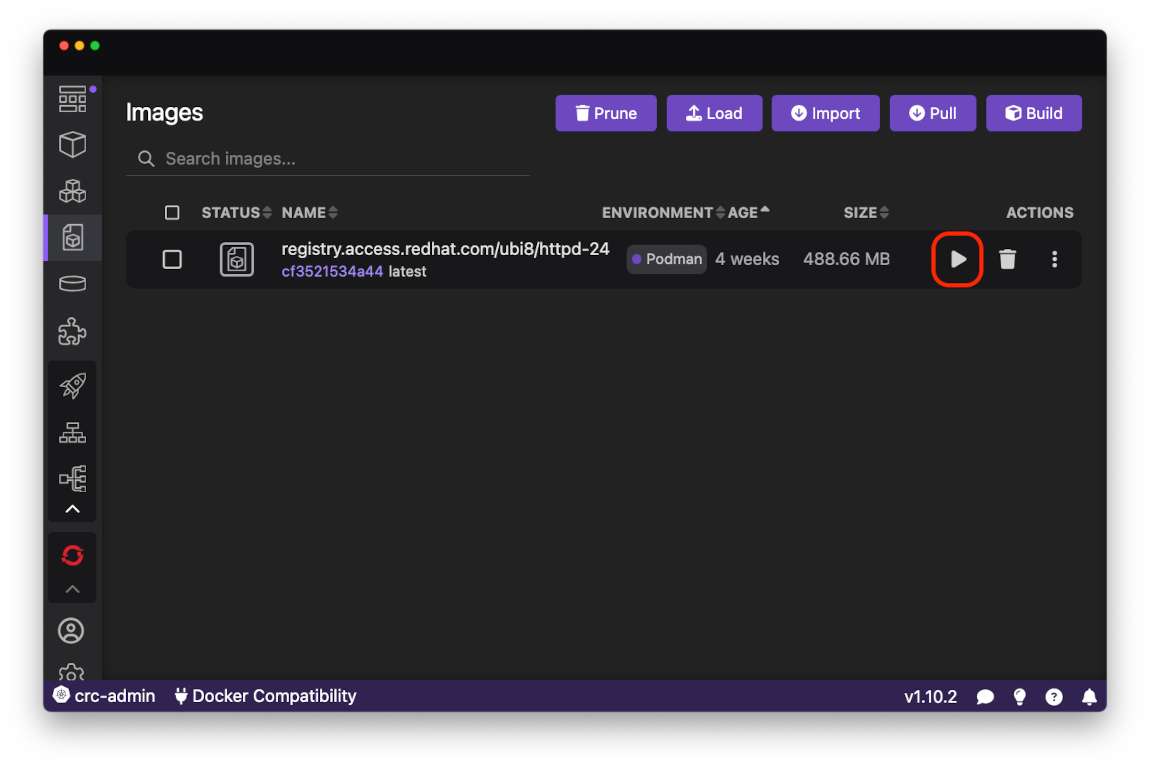
When Push command is done the image is ready to be deployed to OpenShift Local cluster. First start a local container from the image using Run button.
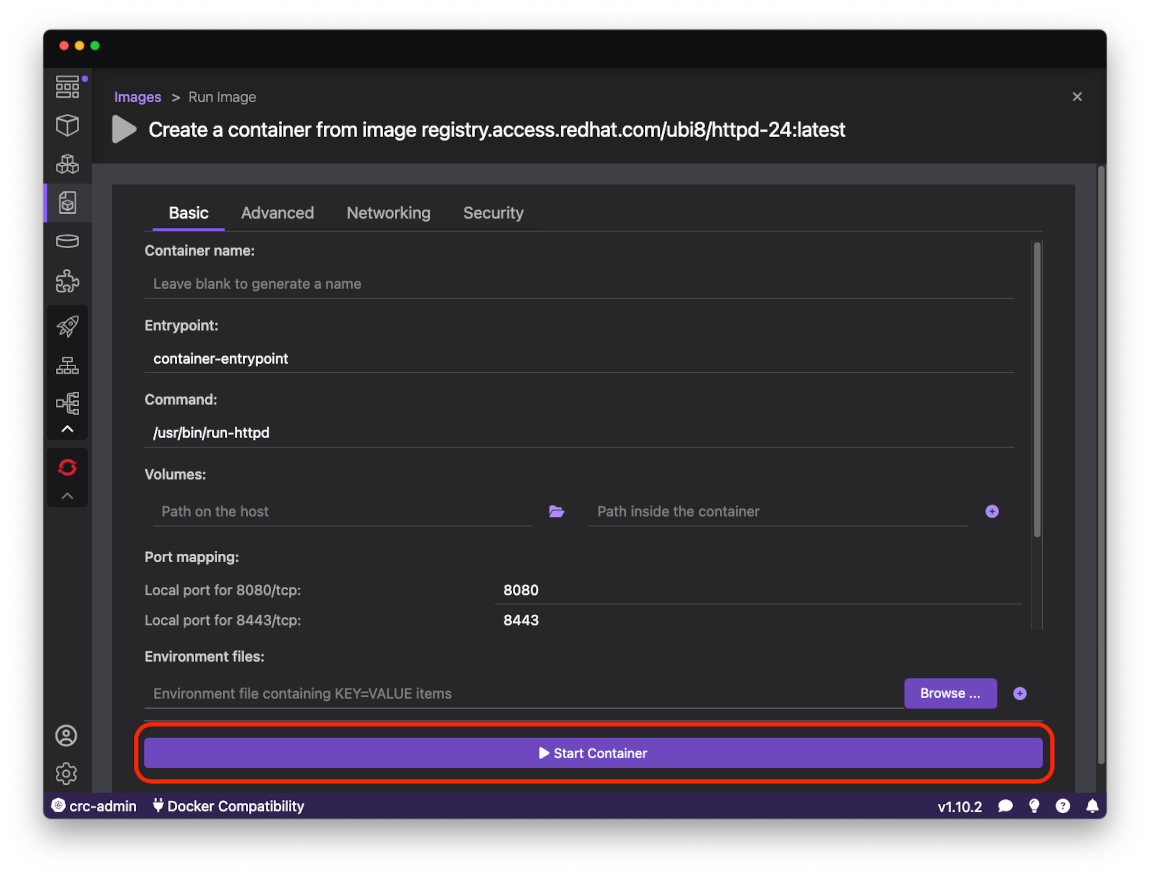
On Run Image form leave default values and press Start Container button.
After local container is up and running it can be deployed to OpenShift Local cluster using Deploy to Kubernetes command in upper right corner
of Container Details page.
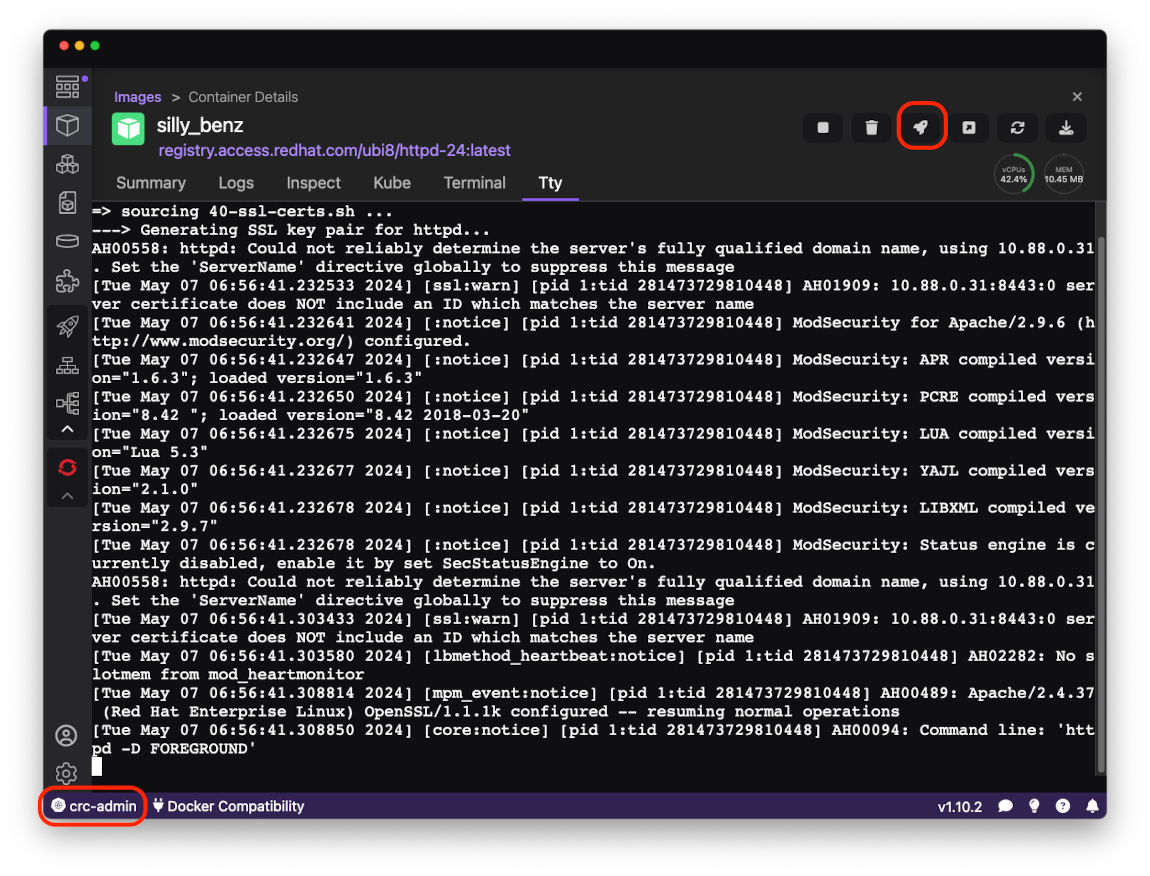
On Deploy to Kubernetes form make sure the Kubernetes Context field is crc-admin and press Deploy button.
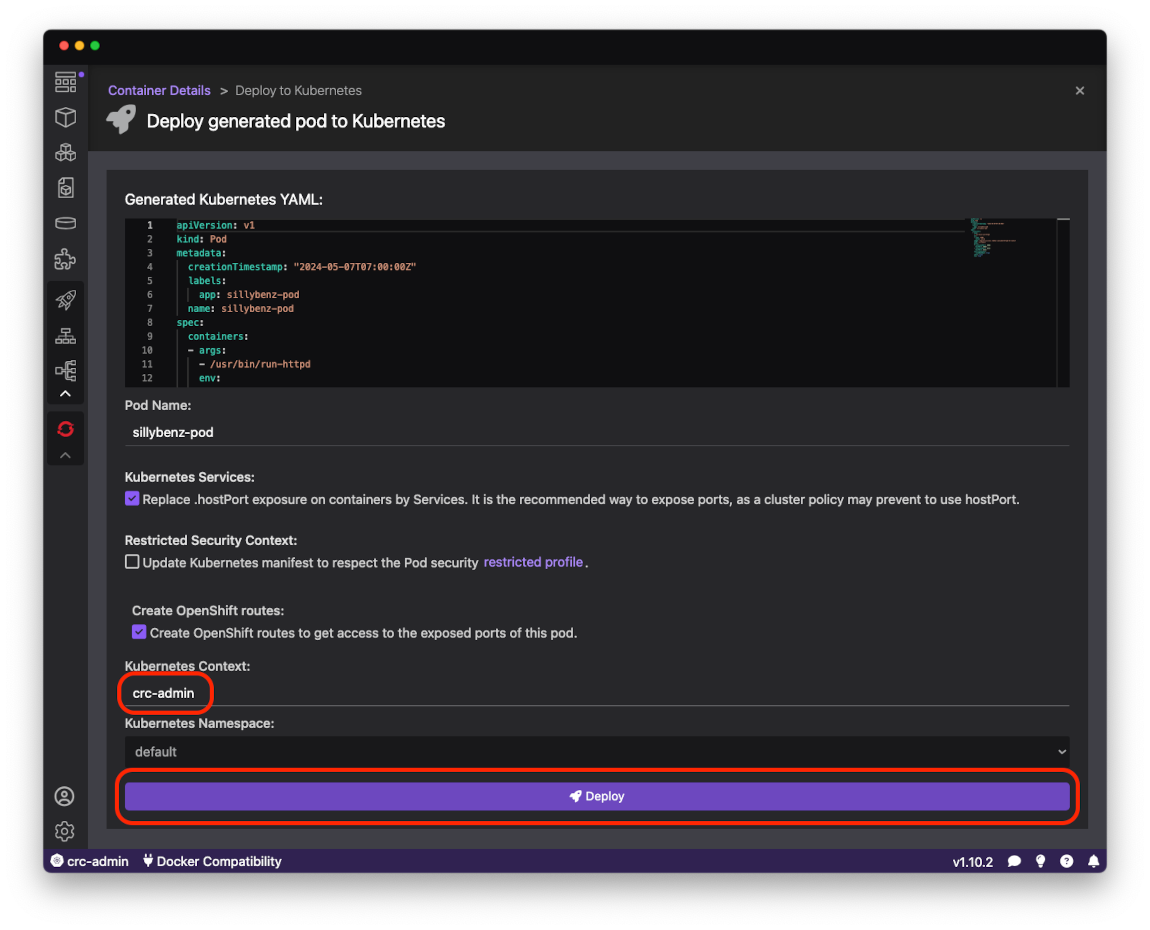
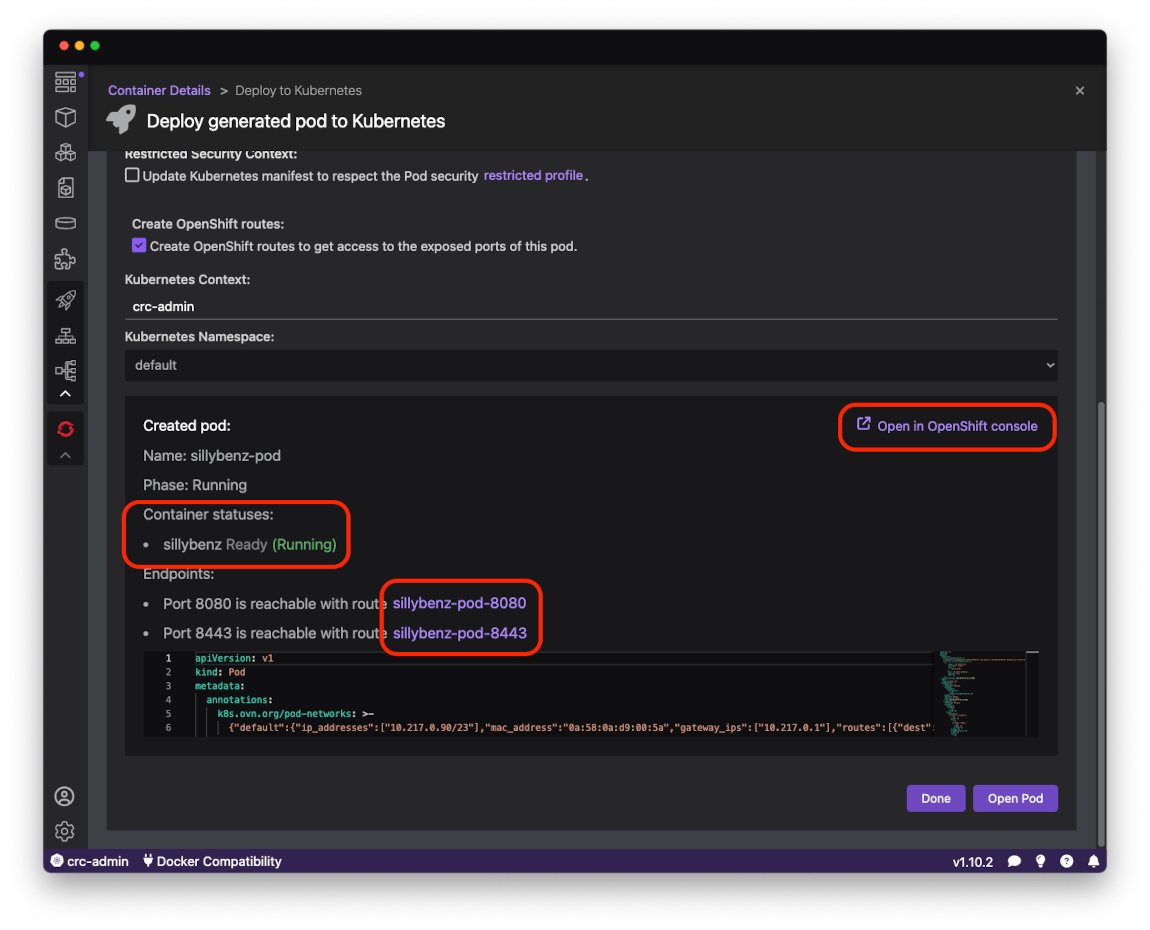
The bottom part of the page shows the status of deployment. When Container statuses contains Ready (Running) it means httpd server is running in
OpenShift Local cluster. There is also a link to open OpenShift Developer Console where you manage your local cluster.
Clicking on the link below 'Container statusesopenshttpd` server index page.
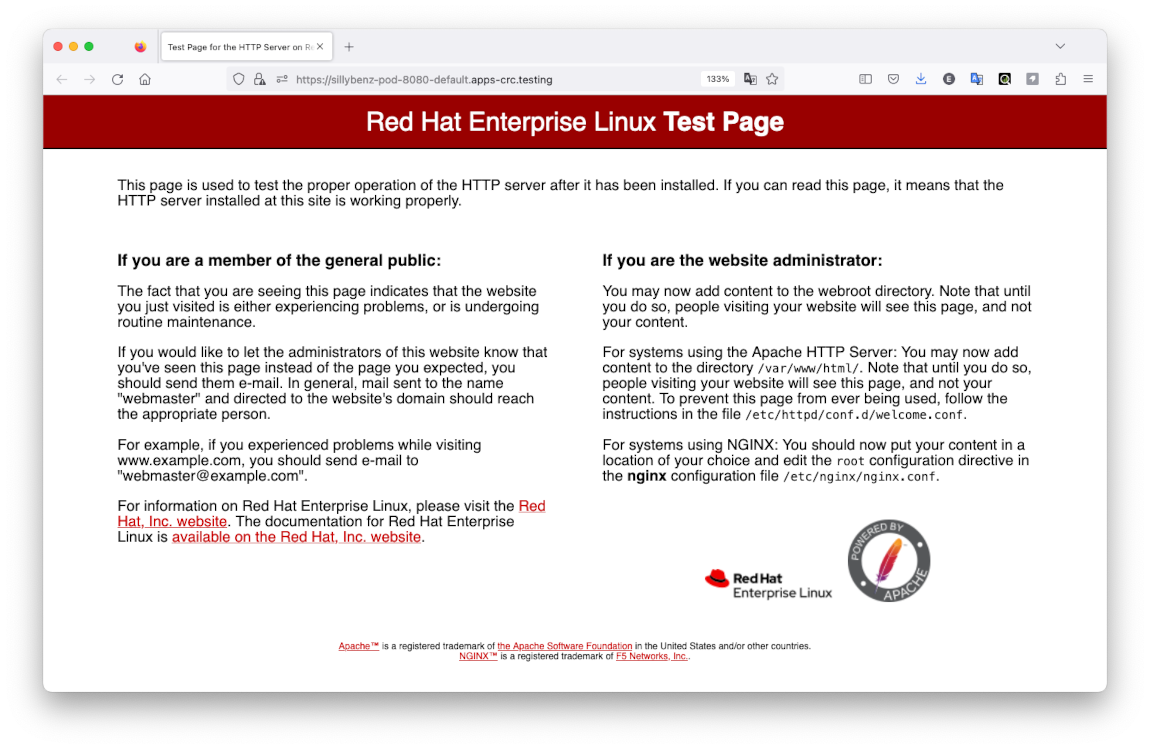
You have deployed your application to OpenShift!
You are required to have a working Podman Desktop installation. Each preset of OpenShift Local has their own requirements, please check the documentation for more information.
- Microshift (experimental)
provides a lightweight and optimized environment with a limited set of services. - OpenShift
provides a single node OpenShift cluster with a fuller set of services, including a web console (requires more resources).
To pull container images from the registry, a pull secret is necessary. You can get a pull secret by navigating to the dashboard and clicking the "Obtain pull-secret" or opening the Red Hat OpenShift Local download page in your browser.
- The extension is not already installed.
- Open Podman Desktop dashboard.
- Go to the Extensions page.
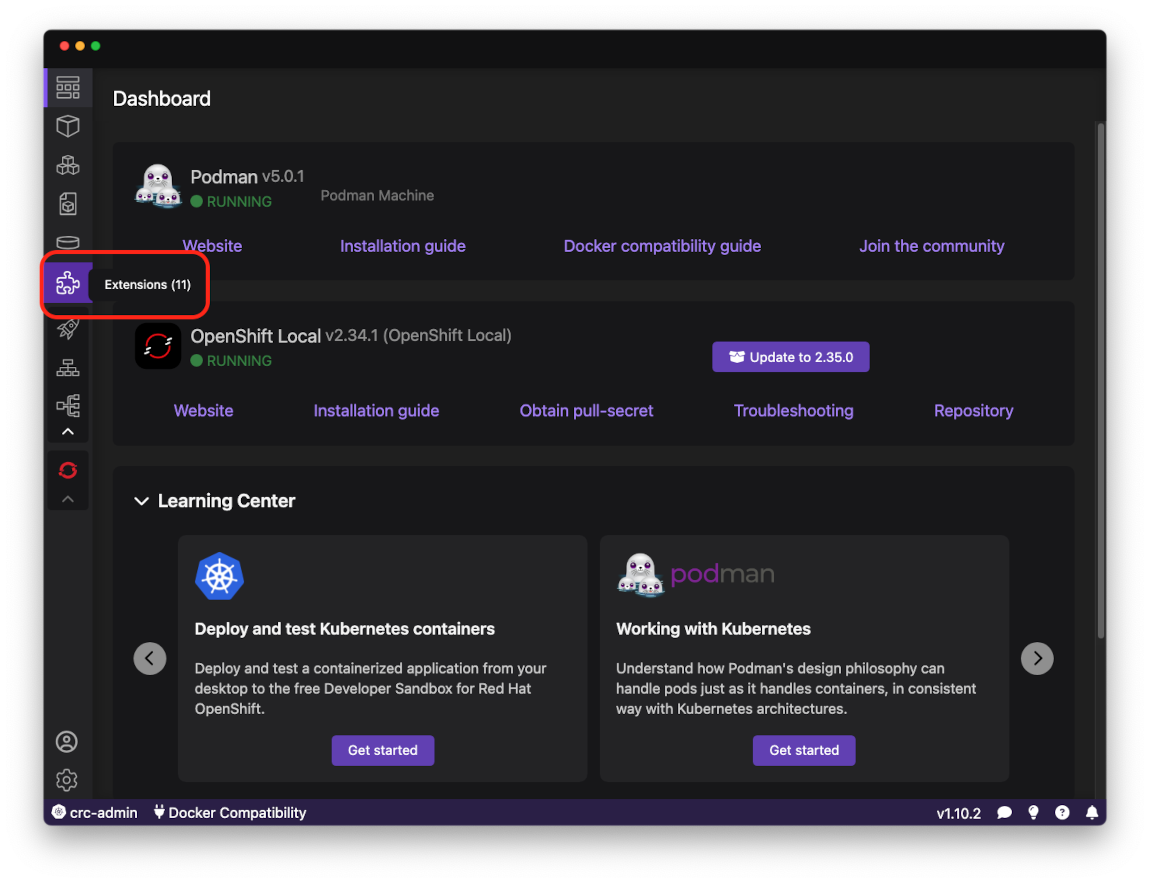
- Swithch to Catalog tab and click on
Installicon inRed Hat OpenShift Localextension item.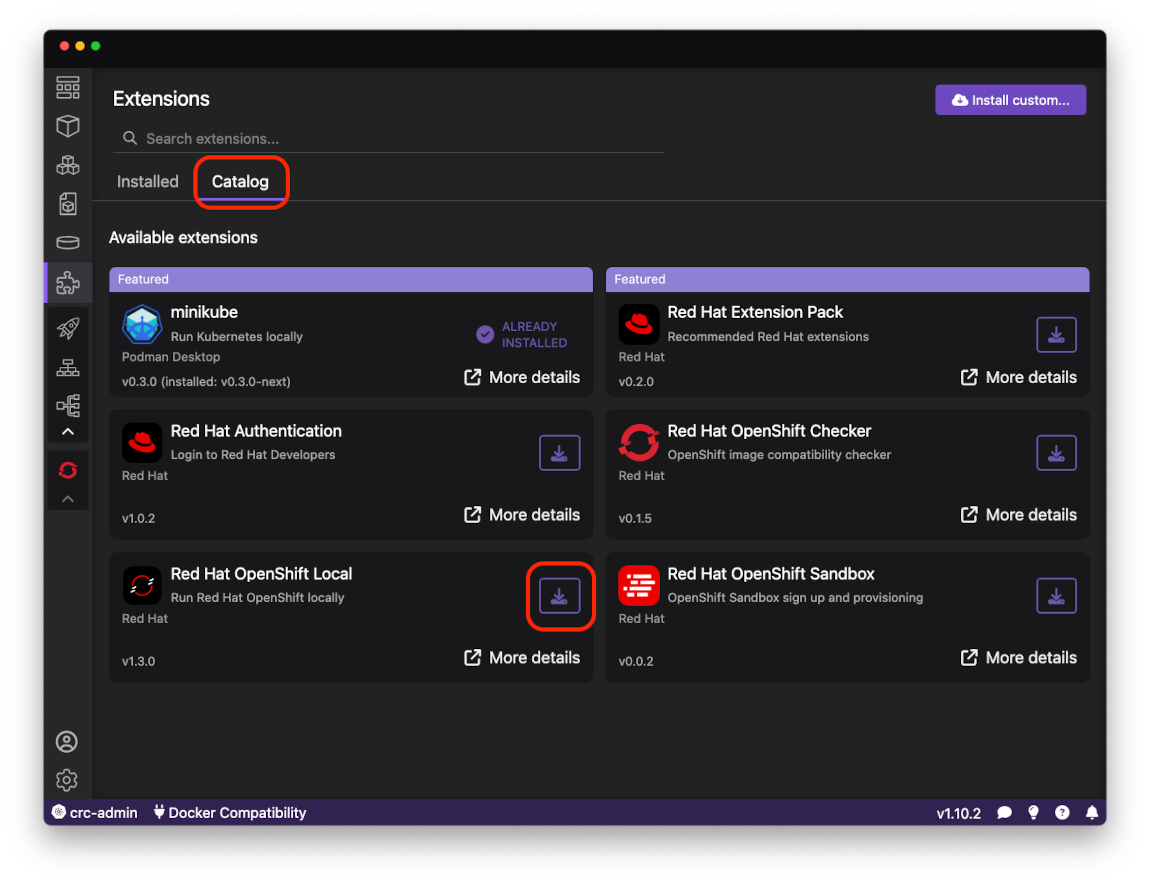
- Start/Stop/Delete OpenShift Local presets
- Change the OpenShift Local preset
- Change basic configuration
- Memory, in MiB
- CPUs, number of cores
- Preset, Microshift or OpenShift
- Disksize, in GiB
- Pull secret file, pull secret for OpenShift
Currently, we do not support the Podman preset of OpenShift Local. Please use preferences to change this:
Settings > Preferences > Red Hat OpenShift Local > Preset