REST API to detect objects in images. Get labels, confidence scores, and bounding box coordinates. Powered by neural networks.
- Detect multiple objects in a single image
- Returns object names, confidence scores (0.0-1.0), and bounding box coordinates
- Supports JPEG and PNG formats (up to 10MB)
- 5,000 requests/month on free tier
- Example Response:
[
  {
    "object_name": "mango",
    "confidence_score": 0.61,
    "region": {
      "top_left_x": 7,
      "top_left_y": 177,
      "bottom_right_x": 718,
      "bottom_right_y": 1262
    }
  }
]- Create account at omkar.cloud
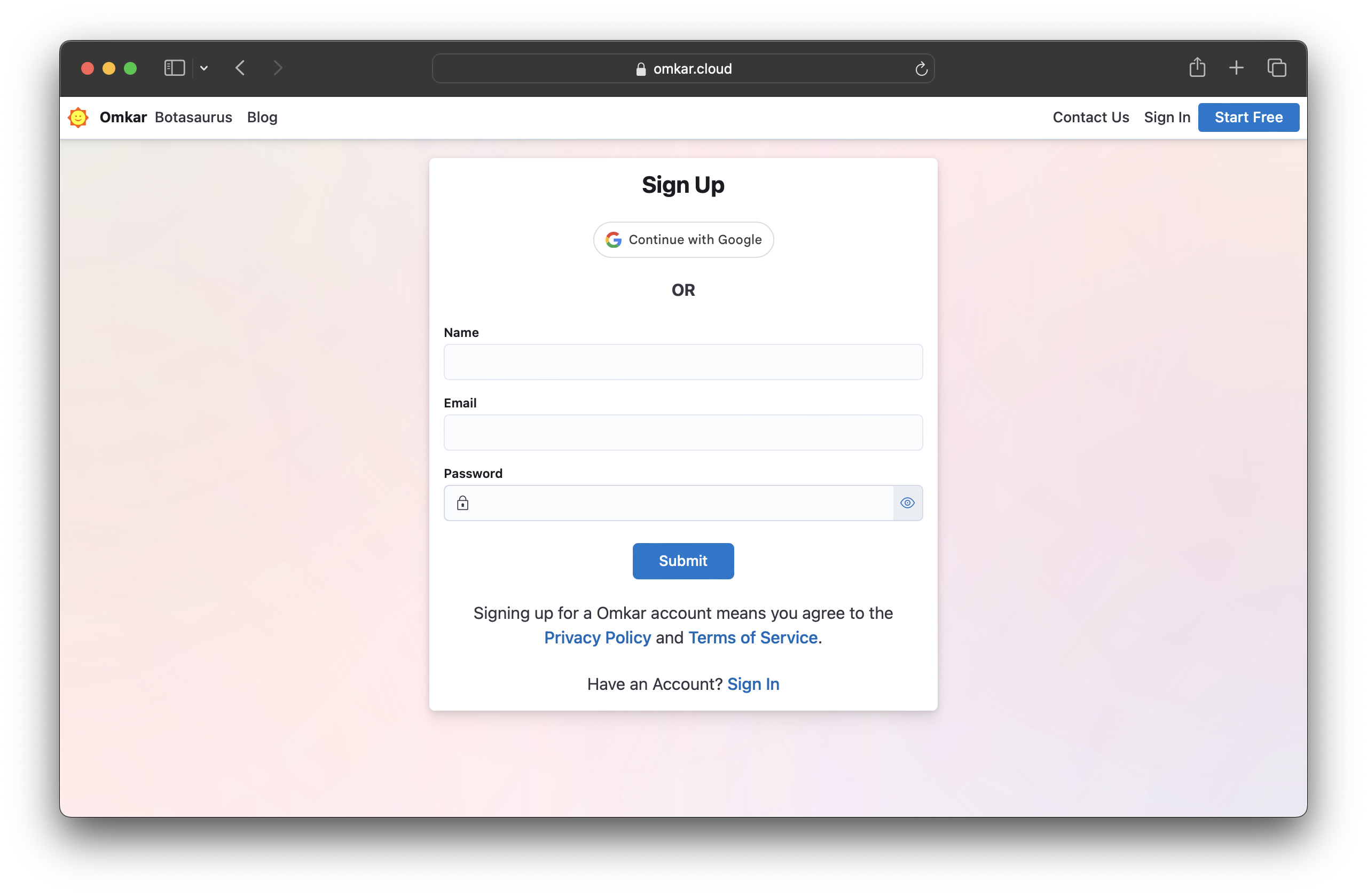
- Get API key from omkar.cloud/api-key
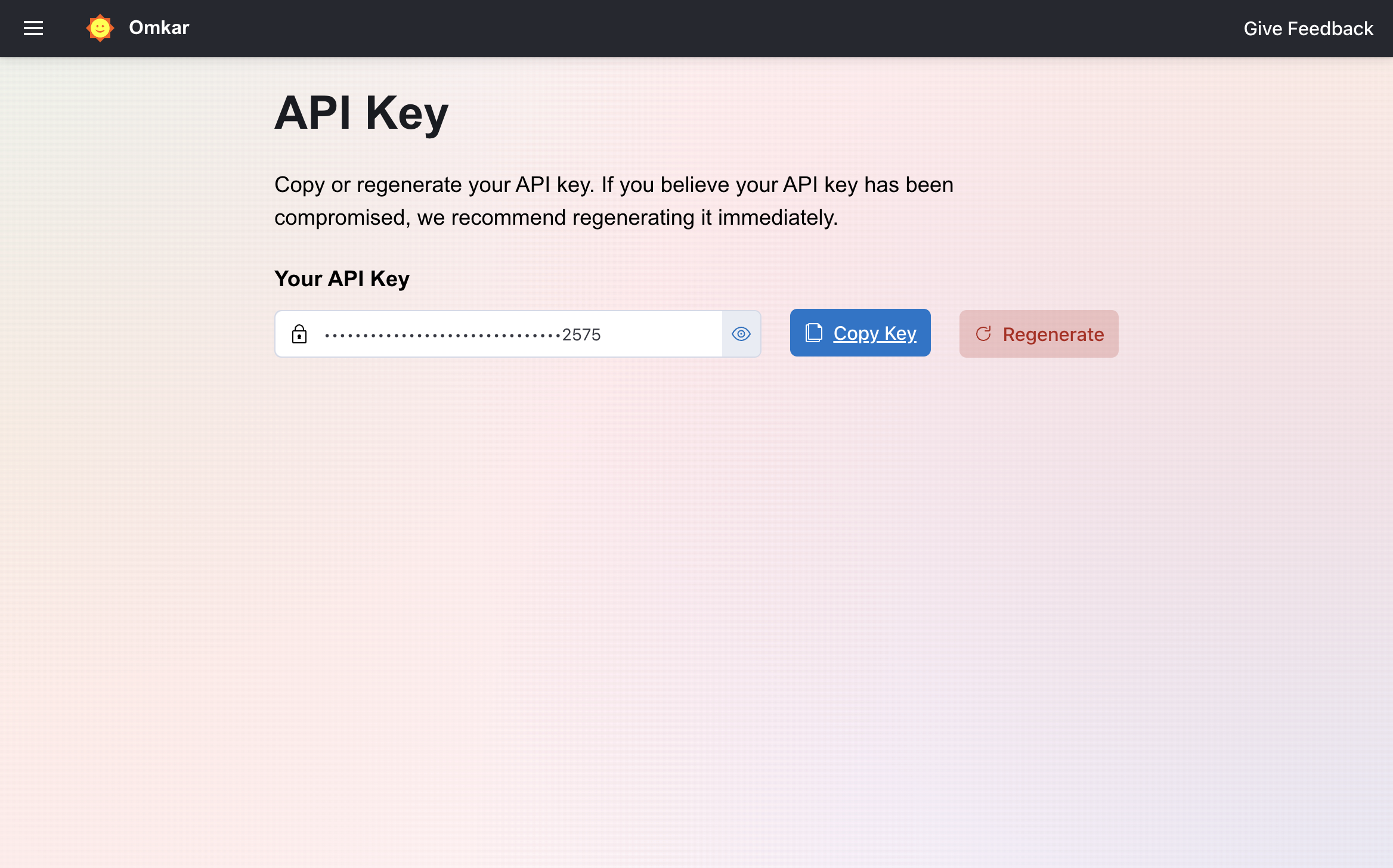
- Include
API-Keyheader in requests
curl -X POST "https://object-detection-api.omkar.cloud/detect" \
  -H "API-Key: YOUR_API_KEY" \
  -F "image=@photo.jpg"
[
{
"object_name": "mango",
"confidence_score": 0.61,
"region": {
"top_left_x": 7,
"top_left_y": 177,
"bottom_right_x": 718,
"bottom_right_y": 1262
}
}
]pip install requestsimport requests
with open("photo.jpg", "rb") as image_file:
response = requests.post(
"https://object-detection-api.omkar.cloud/detect",
headers={"API-Key": "YOUR_API_KEY"},
files={"image": image_file}
)
data = response.json()
for obj in data:
print(f"Detected: {obj['object_name']} (confidence: {obj['confidence_score']:.2f})")npm install axios form-dataimport axios from "axios";
import FormData from "form-data";
import fs from "fs";
const form = new FormData();
form.append("image", fs.createReadStream("photo.jpg"));
const response = await axios.post(
"https://object-detection-api.omkar.cloud/detect",
form,
{
headers: {
"API-Key": "YOUR_API_KEY",
...form.getHeaders()
}
}
);
response.data.forEach(obj => {
console.log(`Detected: ${obj.object_name} (confidence: ${obj.confidence_score})`);
});POST https://object-detection-api.omkar.cloud/detect
| Header | Required | Description |
|---|---|---|
API-Key |
Yes | API key from omkar.cloud/api-key |
Content-Type |
Yes | multipart/form-data |
| Field | Required | Description |
|---|---|---|
image |
Yes | Image file (JPEG or PNG, max 10MB) |
| Field | Type | Description |
|---|---|---|
object_name |
string | Detected object label (e.g., "car", "person", "dog") |
confidence_score |
float | Model confidence (0.0 to 1.0). Higher = more confident |
region |
object | Bounding box coordinates |
Region object:
| Field | Type | Description |
|---|---|---|
top_left_x |
int | X coordinate of top-left corner |
top_left_y |
int | Y coordinate of top-left corner |
bottom_right_x |
int | X coordinate of bottom-right corner |
bottom_right_y |
int | Y coordinate of bottom-right corner |
import requests

with open("photo.jpg", "rb") as image_file:
    response = requests.post(
        "https://object-detection-api.omkar.cloud/detect",
        headers={"API-Key": "YOUR_API_KEY"},
        files={"image": image_file}
    )

# Filter detections with confidence > 0.5
high_confidence = [obj for obj in response.json() if obj['confidence_score'] > 0.5]
for obj in high_confidence:
print(f"{obj['object_name']}: {obj['confidence_score']:.2%}")import requests
with open("photo.jpg", "rb") as image_file:
response = requests.post(
"https://object-detection-api.omkar.cloud/detect",
headers={"API-Key": "YOUR_API_KEY"},
files={"image": image_file}
)
for obj in response.json():
region = obj['region']
width = region['bottom_right_x'] - region['top_left_x']
height = region['bottom_right_y'] - region['top_left_y']
print(f"{obj['object_name']}: {width}x{height}px at ({region['top_left_x']}, {region['top_left_y']})")import requests
from collections import Counter
with open("photo.jpg", "rb") as image_file:
response = requests.post(
"https://object-detection-api.omkar.cloud/detect",
headers={"API-Key": "YOUR_API_KEY"},
files={"image": image_file}
)
counts = Counter(obj['object_name'] for obj in response.json())
print(f"Objects found: {dict(counts)}")import requests
with open("photo.jpg", "rb") as image_file:
response = requests.post(
"https://object-detection-api.omkar.cloud/detect",
headers={"API-Key": "YOUR_API_KEY"},
files={"image": image_file}
)
if response.status_code == 200:
data = response.json()
elif response.status_code == 401:
# Invalid API key
pass
elif response.status_code == 413:
# Image too large (>10MB)
pass
elif response.status_code == 429:
# Rate limit exceeded
pass| Plan | Price | Requests/Month |
|---|---|---|
| Free | $0 | 5,000 |
| Starter | $25 | 100,000 |
| Grow | $75 | 1,000,000 |
| Scale | $150 | 10,000,000 |
Reach out anytime. We will solve your query within 1 working day.